Dining at Chipotle is both enjoyable and delicious. However, many people also want to know how healthy their meal is. This is where a Chipotle nutrition calculator becomes extremely useful.
A Chipotle nutrition calculator is a simple online tool that helps you check the calories, protein, carbs, and fat in your meal. It allows you to build your order ingredient by ingredient and instantly see the nutritional values before placing your order.
In this article, we’ll explain what a Chipotle nutrition calculator is, how it works, and why it’s helpful.
What Is a Chipotle Nutrition Calculator?
A Chipotle nutrition calculator is an online tool that shows the nutritional breakdown of your meal. It allows you to select ingredients such as rice, beans, protein, salsa, and toppings.
Once you choose your ingredients, the calculator automatically displays the total nutrition of your meal.
This tool is based on official Chipotle nutrition facts, meaning the data is very close to the actual values used by the restaurant.
Many people use it before ordering to better understand what they are eating and make smarter food choices.
Why Chipotle Nutrition Matters
Today, more people are focused on eating healthier. They care about calories, protein, and other nutrients. Understanding Chipotle nutrition can help you make better decisions.
For example, some ingredients can quickly increase calories. Adding cheese, sour cream, or guacamole may significantly raise the total calorie count.
By checking Chipotle nutrition facts, you can clearly see how each ingredient affects your meal.
This is especially helpful for people who are:
-
Trying to lose weight
-
Following a diet plan
-
Tracking calories
-
Building muscle
A Chipotle nutrition calculator makes this process quick and easy.
How the Chipotle Nutrition Calculator Works
Using a Chipotle nutrition calculator is very simple. You just build your meal step by step.
Step 1: Choose Your Base
Start by selecting the base of your meal:
-
Burrito
-
Burrito bowl
-
Tacos
-
Salad
Each option has different calorie values.
Step 2: Select Rice or Beans
Next, choose your carbs:
-
White rice
-
Brown rice
-
Black beans
-
Pinto beans
These ingredients add fiber and carbohydrates to your meal.
Step 3: Pick Your Protein
Protein is a key part of your meal. Options include:
-
Chicken
-
Steak
-
Barbacoa
-
Carnitas
-
Sofritas
Each protein has different nutrition values. For example, carnitas typically have more calories than chicken.
Step 4: Add Toppings
You can now add toppings like:
-
Cheese
-
Sour cream
-
Salsa
-
Lettuce
-
Guacamole
These can significantly impact your total nutrition. For example, guacamole adds healthy fats but also increases calories.
Step 5: View Total Nutrition
Once all ingredients are selected, the calculator shows the final nutrition, including:
-
Calories
-
Protein
-
Carbohydrates
-
Fat
-
Sodium
This gives you a complete overview of your meal.
Benefits of Using a Chipotle Nutrition Calculator
Helps You Track Calories
If you are monitoring your daily calorie intake, the calculator provides accurate estimates based on official data.
Helps You Build Healthier Meals
You can experiment with different ingredients to find healthier combinations.
Saves Time
Instead of searching for nutrition details manually, the calculator shows everything instantly.
Supports Fitness Goals
Whether you’re tracking protein, carbs, or fat, this tool makes it easier to stay on track.
Example of a Healthy Chipotle Meal
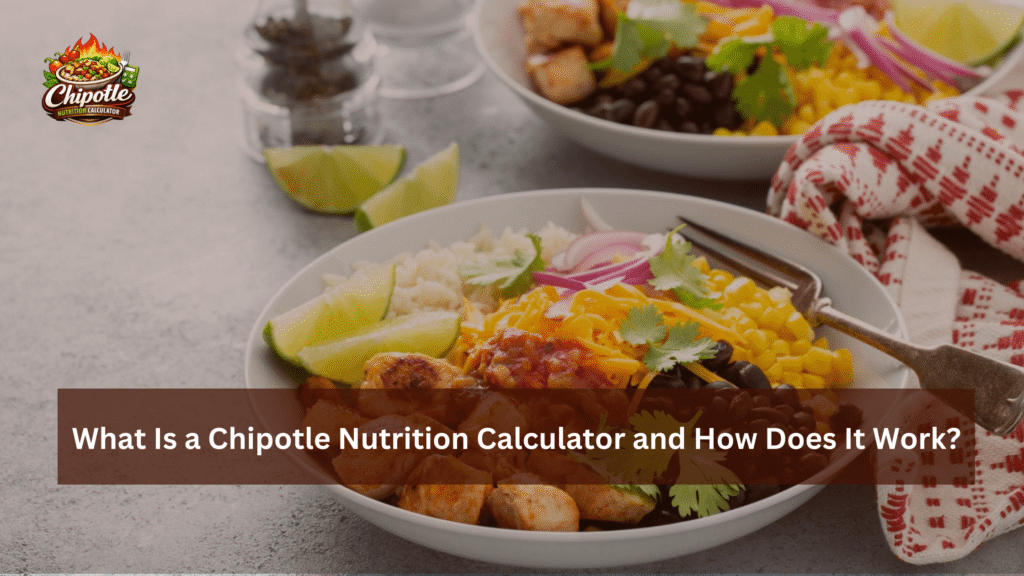
Here’s an example of a balanced meal:
-
Burrito bowl
-
Brown rice
-
Black beans
-
Grilled chicken
-
Fajita vegetables
-
Tomato salsa
-
Lettuce
This combination is high in protein and fiber while keeping calories moderate.
Chipotle Nutrition Tips
Here are some simple tips to make healthier choices:
-
Choose a bowl instead of a burrito to save calories
-
Add more vegetables for extra fiber
-
Limit high-calorie toppings like sour cream
-
Pick lean protein options like chicken or sofritas
-
Always check nutrition facts before ordering
Using a Chipotle nutrition calculator makes these choices easier.
Conclusion
A Chipotle nutrition calculator is a powerful tool for anyone who wants to understand their meal better. It allows you to build your meal and instantly see calories, protein, carbs, and fat.
Since it uses official nutrition data, the results are reliable and helpful for making smarter food choices.
Whether your goal is weight loss, muscle building, or simply eating healthier, this tool can guide you.
Next time you order from Chipotle, use a nutrition calculator to enjoy your meal while staying in control of your nutrition.